Getting Started: Phones Supported by Adit
Supported Phone Models
Adit currently supports the following desk and cordless phone models from Grandstream and Yealink to ensure compatibility and optimal performance for your VoIP services. Below is the list of phone models fully supported by our platform:
These models have been tested and verified for compatibility with our infrastructure, providing reliable performance for our users.
Images of Supported Phone Models
For visual reference, here are images of the supported Grandstream Phone Models and Yealink Phone Models:
Grandstream GRP 2613 (Desk phone)
- Ideal for standard office users requiring basic VoIP functionality for everyday calling. Features include a 2.8” color display with no Bluetooth or Wi-Fi support.
Grandstream GRP 2616 (Desk phone)
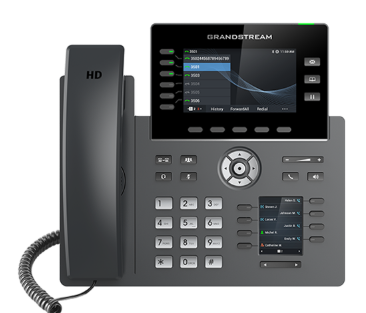
Built for power users, managers, or receptionists handling high call volume. Dual color displays - 2.8” main screen and 2.4” secondary screen (for BLF /line keys), built in Bluetooth and Wi-Fi.
Grandstream GRP 2603P (Desk phone)
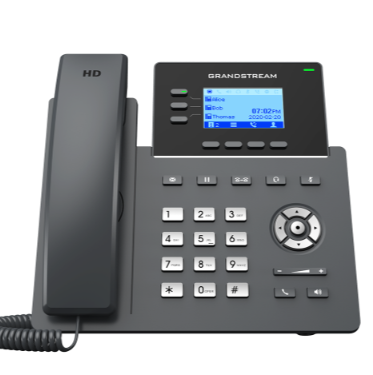
Dual switched autosensing 10/100/1000 Mbps Gigabit Ethernet ports with integrated PoE (GRP2603P only)
Supports 5-way audio conferencing for easy conference calls
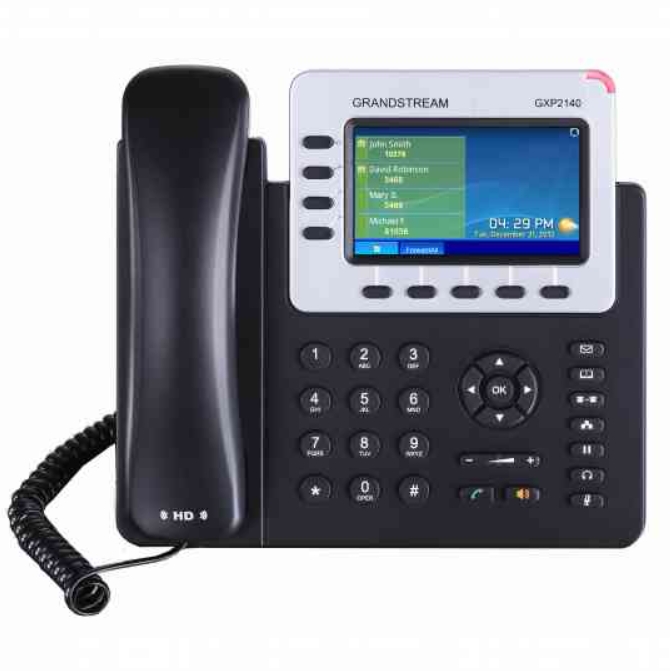
HD audio on speakerphone and handset, 5 programmable context-sensitive soft keys, 4.3-inch (480×272) color-screen LCD
Dual Gigabit ports, integrated PoE
Integrated Bluetooth for use with Bluetooth headsets and Bluetooth-enabled mobile devices (transferring contact books and calls), USB, EHS for Plantronics headsets
Grandstream DP 750 (Base station) with DP 720 (Handset):
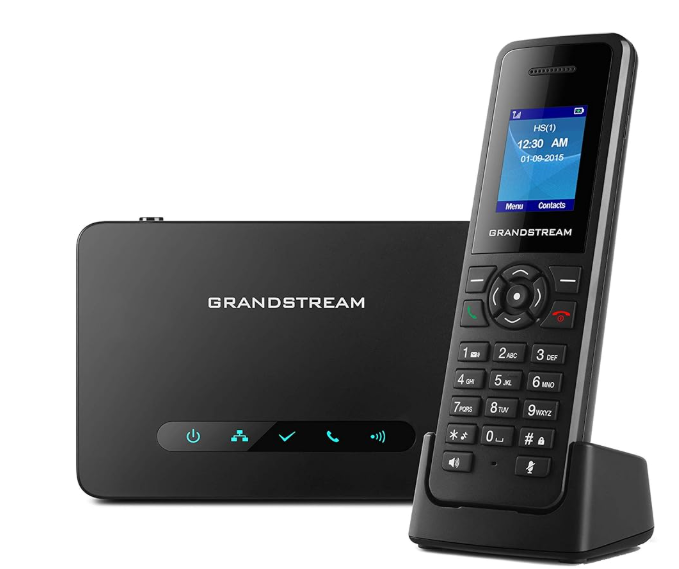
DP 720: The wireless handset lets you have cordless VoIP phone calls; you can register up to 5 DP 720 Handsets to a single DP 750 Base.
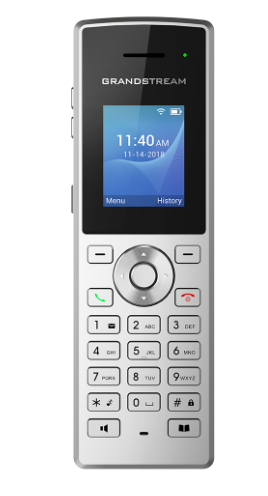
Basic Cordless Wi-Fi IP Phone with Integrated Dual-Band 802.11a/b/g/n/ac
Rechargeable 1500mAh battery, 6 hours talk time, 120-hour standby, Configurable button for push-to-talk
Micro USB port and 3.5mm headset jack
Yealink T53W (Desk phone):
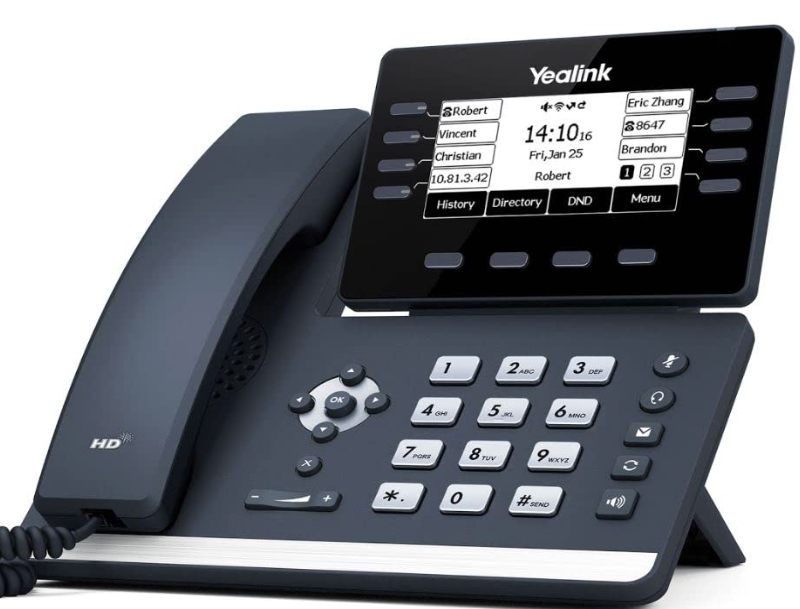
Display 3.7” adjustable black and white LCD screen, Wi-Fi built in, Bluetooth 4.2 built in for headsets.
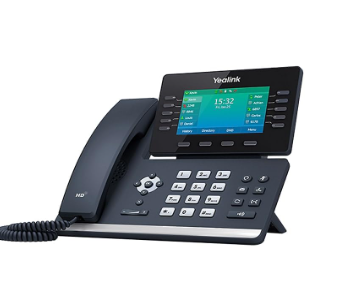
Display 4.3” colour adjustable LCD screen, Wi-Fi and Bluetooth built in.
Yealink W60B/W70B (Base Station) with W56H (Handset):
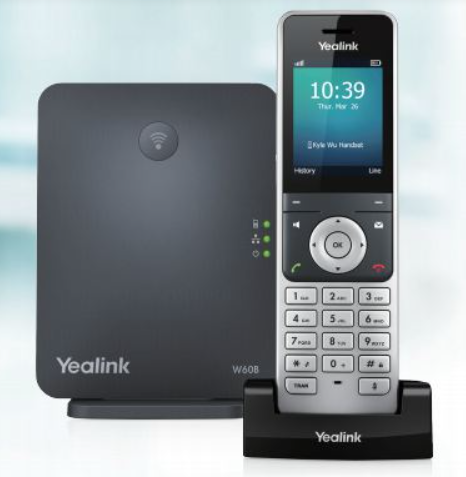
Cordless phone that pairs with W60B, W70B, and other Yealink Dect bases.
HD Voice quality, long battery life (up to 30 hours talk time, 400 hours standby).
Related Articles
How to Find “Getting Started” Steps
How to Find “Getting Started” Steps 1. Login to app.adit.com 2. Locate the blue button at the top of the screen that says “Get Started” 3. Select “Set Up” and provide relevant information until all sections say “completed” 4. Once all sections are ...Getting Started with Adit Call Intelligence
Overview Adit Call Intelligence listens to your practice phone calls and automatically turns them into useful insights and actions. It generates call summaries, identifies who answered the call, understands why the patient called (scheduling, ...CareCredit: Integration With Adit Pay
If you have both the Financing and Adit Pay modules set up, then when patients receive a payment request from Adit Pay, they will have the option to apply for financing on the payment page. Based on the patient’s Batch QuickScreen status, If the ...Forward office phones to an external number
There may be times when you want inbound calls to your practice to be forwarded to an external number, such as a cell phone or answering service. To forward calls: Click the Settings gear in the top right corner of your Adit platform. Select Phone ...Port your number(s) to Adit
Before we get started, please keep in mind that only the Owner-level and Manager-level users are able to port in numbers. Port in your existing Number. Typically, when you sign up for Adit there is a section in your first Welcome Questionnaire that ...